Nullam dignissim, ante scelerisque the is euismod fermentum odio sem semper the is erat, a feugiat leo urna eget eros. Duis Aenean a imperdiet risus.
Nullam dignissim, ante scelerisque the is euismod fermentum odio sem semper the is erat, a feugiat leo urna eget eros. Duis Aenean a imperdiet risus.
 author

A standard LCD is usually the first option buyers consider because it avoids development work and appears easier to source. That logic makes sense when the module already fits the enclosure, electrical system, viewing conditions, and expected product life. The calculation changes when engineers begin adding adapter boards, brackets, custom cables, extra glass, firmware work, or enclosure changes just to make an off-the-shelf display fit. At that point, the lower panel price may no longer mean a lower project cost. For equipment manufacturers, the better decision is to compare standard and custom LCD displays by integration effort, redesign exposure, validation work, lifecycle risk, and repeat-production requirements rather than panel price alone.
A standard display is economical when the equipment can use it substantially as designed. Problems begin when the machine must be redesigned around the screen instead of the screen being adapted to the machine.
Suppose an existing module has the correct diagonal size and resolution but the connector sits on the wrong side. The buyer may need a longer cable or an interface board. If the outline is slightly larger than the original design, the enclosure may also need modification.
The individual changes may look minor. Together, they can add engineering hours, new drawings, additional parts, another sample round, and more assembly steps.
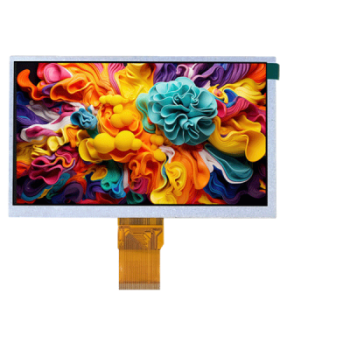
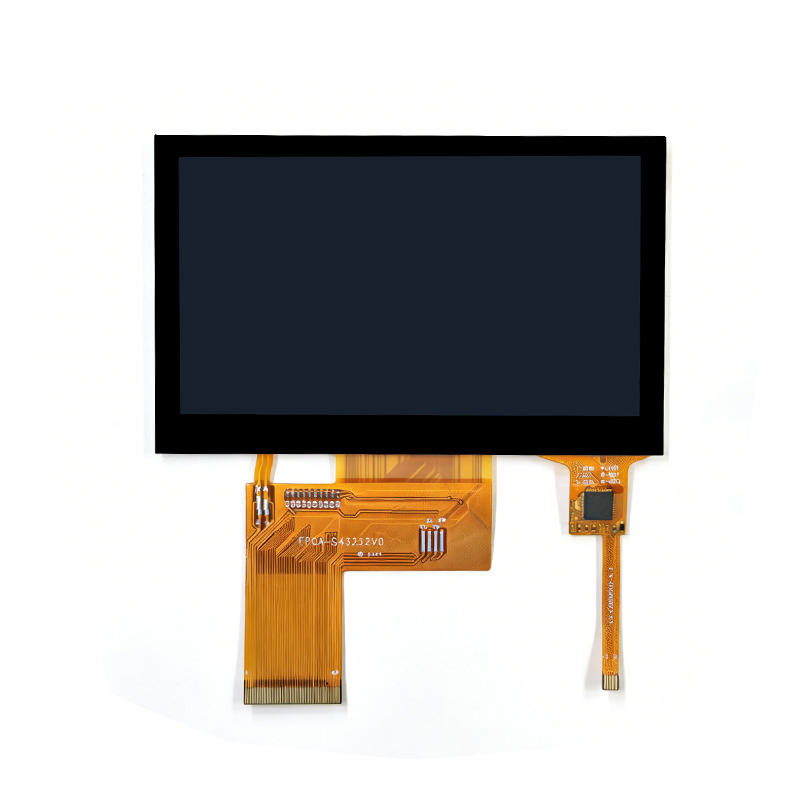
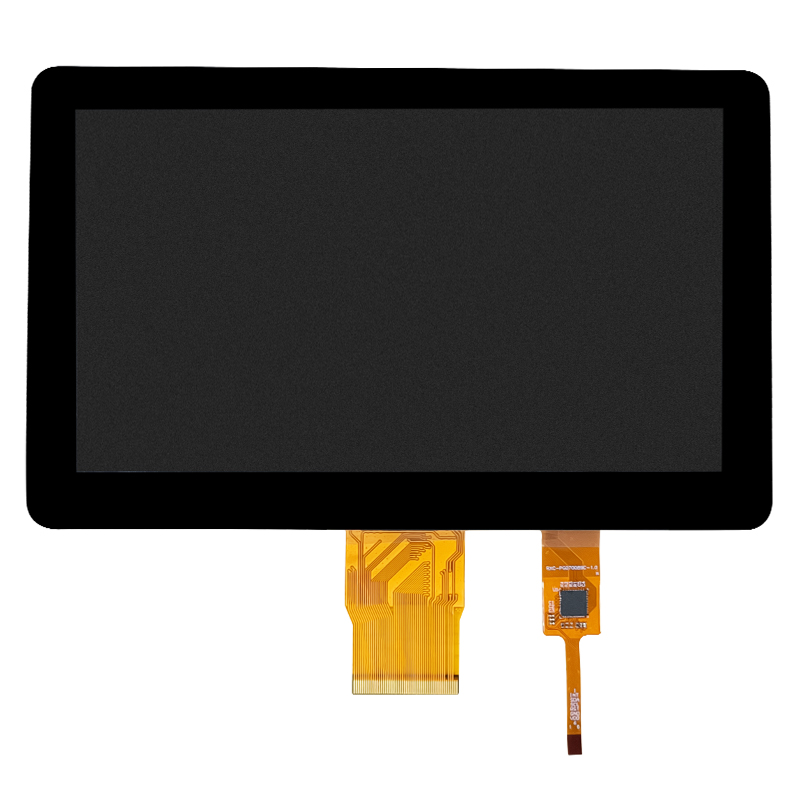
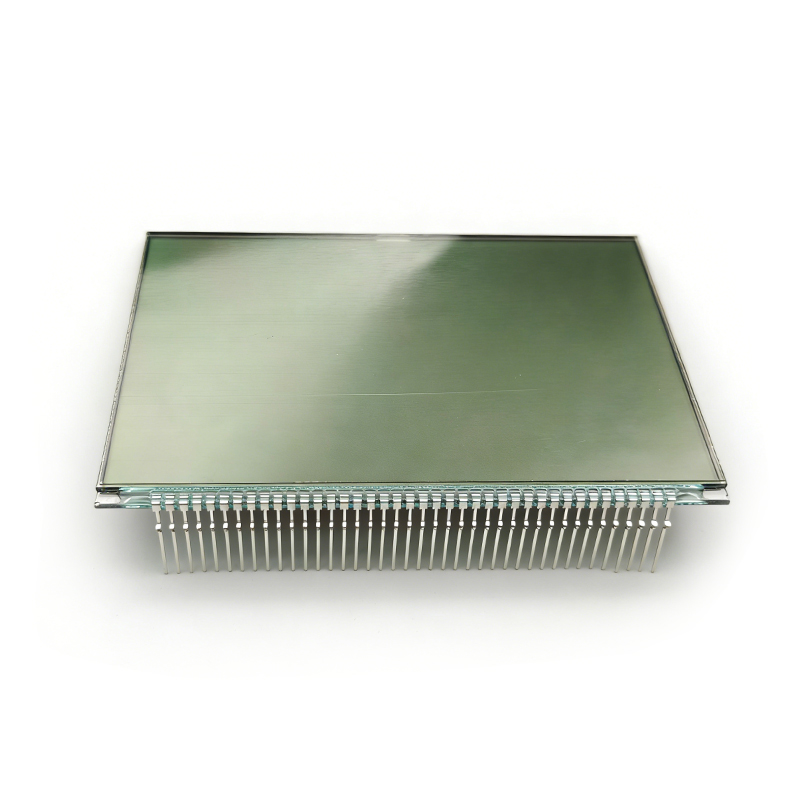
This is why an existing product from a supplier’s TFT LCD module range should be evaluated against the complete equipment design, not selected from screen size alone.
An almost-compatible display is often harder to manage than either a genuinely standard solution or a properly defined custom one.
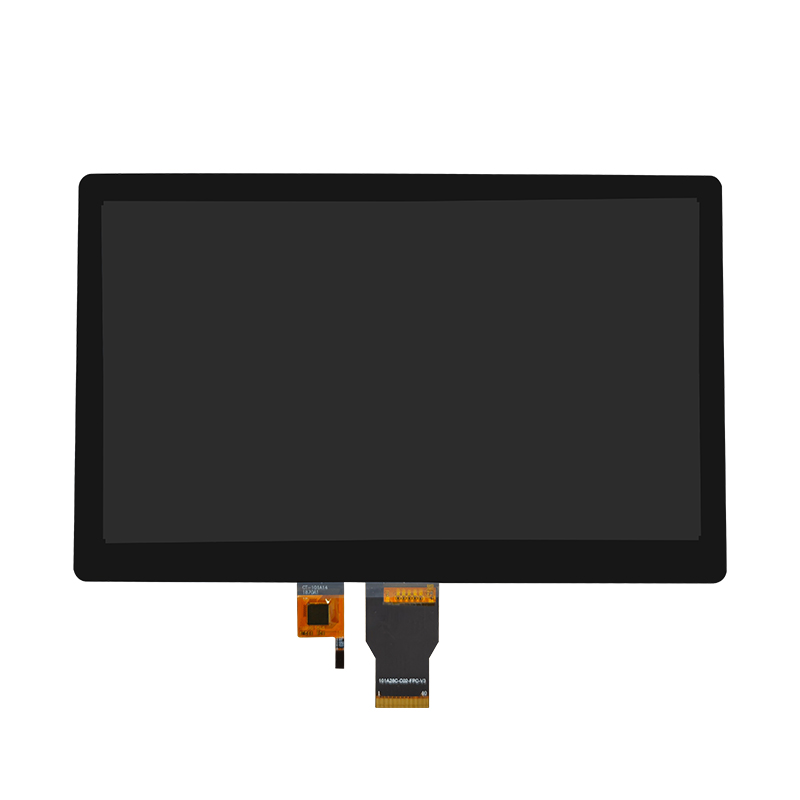
For example, the 10.1-inch LCD display with 450-nit brightness, 1024×600 resolution and MIPI interface may provide a useful standard starting point when those characteristics match the host system and mechanical envelope. If they do not, buyers should calculate what adaptation is actually required before assuming the standard module remains the cheaper route.
Once several surrounding components must change, the next question is which costs should be included in the comparison.
Procurement quotations normally make the display price easy to see. Integration costs are less obvious because they may appear in mechanical engineering, electronics, software, assembly, validation, or future service budgets.
A practical comparison should include more than the purchase price.
| Cost Area | Standard LCD May Add Cost When… | Custom LCD May Add Cost When… |
|---|---|---|
| Mechanical | Enclosure, brackets, bezel or mounting must change | A new outline or structure must be developed |
| Electrical | Adapter boards, cable changes or interface conversion are required | A custom FPC, cable or board is required |
| Optical | Extra glass or optical work is added after panel selection | Brightness, cover glass or bonding is customized |
| Validation | Multiple modified subsystems need retesting | New custom parts require dedicated validation |
| Production | More parts and manual assembly steps remain | Custom processes require controlled production |
| Lifecycle | Replacement panels require repeated redesign | Custom materials must be managed over time |
The important point is not that custom is automatically cheaper. It is that the correct comparison is between two complete, production-ready configurations.
Every extra component creates another interface to manage.
A converter board introduces power, mounting, cable, firmware, and signal questions. An extra bracket introduces tolerances and assembly work. An external cover lens can affect both mechanical stack-up and touch performance.
Where the project already requires several integrated parts, comparing a purpose-built custom LCD display assembly with a collection of separately adapted standard components can reveal which architecture is actually simpler.
With the hidden costs visible, buyers can decide whether customization is solving a real problem or simply adding unnecessary complexity.

Customization is most useful when it removes a recurring system constraint. It is much less useful when it changes specifications that have little effect on the finished equipment.
Consider customization when the equipment has limits that are difficult or expensive to change, such as a fixed enclosure opening, restricted installation depth, specific connector position, established host interface, unusual cover-glass shape, or a defined cable path.
In those situations, changing the display may disturb fewer parts of the product than changing the equipment around a standard screen.
The same applies to mature equipment platforms. If mechanical tooling, firmware, wiring, and certification work are already tied to the existing architecture, forcing a new standard display into that system can trigger more engineering work than modifying the display solution itself.
Not every specification deserves customization. Buyers should ask what business or engineering problem each change solves.
Changing a cable exit because the existing route creates assembly interference has a clear purpose. Creating a unique cover-glass outline when the enclosure could accept an existing design may have less value.
The goal is selective customization.
Where interface conversion is the only gap, an existing display solution board may deserve evaluation before commissioning a fully custom electronics design. Where several mechanical and electrical constraints exist simultaneously, deeper customization may make more sense.
The decision therefore depends on the number and importance of mismatches, not simply whether a custom option is technically possible.
A purchasing decision becomes easier when the team evaluates both options against the same requirements. Otherwise, a standard panel is usually judged by price while a custom solution is judged by engineering cost, creating an unfair comparison.
Start with the application rather than the product catalog.
Record the required active area, maximum outline, installation depth, resolution, interface, brightness target, viewing conditions, touch requirements, cover-glass needs, cable direction, operating environment, sample plan, and expected production period.
Then mark each requirement for both options as:
This simple exercise often exposes where the apparent savings are coming from.
A standard LCD that meets nine requirements directly and needs one cable change may remain the logical choice. A standard LCD that needs a new enclosure, adapter board, touch stack, cable, and mounting structure should be compared with a custom alternative before procurement closes the decision.
Prototype work can distort the calculation. Engineers may use temporary cables, machined brackets, manual wiring, or development boards to get a standard panel running quickly.
Those shortcuts are useful for evaluation but may not be appropriate for repeat production.
Ask what the production BOM will look like after the prototype is complete. Count connectors, cables, boards, brackets, adhesives, assembly operations, inspection points, and service parts.
If the standard route remains simple at production stage, there is little reason to customize. If the workaround becomes permanent, the economics deserve another look.
The supplier should help expose trade-offs rather than automatically pushing either a standard or custom solution. Buyers can judge the quality of the recommendation by the questions asked before a quotation is issued.
A useful supplier should identify existing components that already meet the requirement and avoid redesigning them without reason.
Ask whether an existing LCD can be retained while changing only the touch panel, cover glass, FPC, cable, board, or mechanical assembly. This modular approach can preserve supply flexibility while fixing the specific integration problem.
Also ask which changes create tooling, dedicated materials, additional validation, or longer-term sourcing commitments.
The first build is only part of the cost decision. Equipment manufacturers should understand how the chosen display configuration will be repeated.
Before approval, confirm the controlled drawing, BOM, custom components, approved alternatives, change-notification process, and what must be revalidated if the original panel becomes unavailable.
The most useful question is therefore not “Which LCD is cheaper today?” It is “Which configuration gives us the lowest practical cost and redesign exposure across development, production, and future supply?”
That answer gives procurement a much stronger basis for choosing between standard and custom LCD displays.

Dongguan SR Optoelectronics Technology Co., LTD. develops and manufactures small- and medium-size LCD display modules for equipment applications, covering standard TFT and monochrome displays as well as customized display solutions. Project support can extend beyond panel selection to touch integration, cover glass, cables, solution boards, and display assemblies where the equipment requires a more specific configuration. For buyers deciding between a standard and custom LCD, the company can review mechanical drawings, host-interface information, optical requirements, assembly constraints, and expected production needs before a solution is finalized. The objective is to determine which elements can remain standard and where customization is justified by the actual equipment design rather than customizing parts without a clear engineering reason.
A standard LCD is not automatically the lowest-cost choice simply because its unit price is lower. Once a project needs enclosure changes, adapter boards, custom cables, extra mounting parts, optical modifications, or repeated validation, the total cost can change quickly. Buyers should compare standard and custom options using the same requirement sheet and evaluate the final production configuration rather than the prototype alone. Keep standard parts wherever they work, customize only where there is a real constraint, and ask the supplier to explain the consequences of each change. The better choice is the configuration that reduces total integration effort, production complexity, and future redesign risk.
The following questions address common purchasing concerns when equipment manufacturers compare a standard LCD with a customized display solution.
No. A standard panel may have a lower purchase price, but enclosure changes, boards, cables, brackets, software work, assembly steps, and additional validation can increase the overall project cost.
Consider customization when fixed mechanical, electrical, optical, touch, or installation requirements would otherwise force substantial changes to the equipment or create permanent workarounds.
Yes. Depending on project feasibility, buyers may keep an existing LCD and change only items such as the cable, FPC, touch panel, cover glass, board, or assembly structure rather than developing every component from scratch.
Compare the complete production configuration, including display cost, additional hardware, tooling, engineering changes, assembly operations, validation requirements, custom materials, and future supply implications.
Provide the mechanical drawing, active-area requirement, interface, host-system information, viewing conditions, touch and cover-glass requirements, installation limits, expected quantities, and any equipment features that cannot be changed.