Nullam dignissim, ante scelerisque the is euismod fermentum odio sem semper the is erat, a feugiat leo urna eget eros. Duis Aenean a imperdiet risus.
Nullam dignissim, ante scelerisque the is euismod fermentum odio sem semper the is erat, a feugiat leo urna eget eros. Duis Aenean a imperdiet risus.
 author
Brightness Uniformity defects in industrial TFT LCDs Brightness uniformity is a common display defect that can be perceived in the form of dark corners, haziness, or excessively bright spots, on LCDs. Sometimes, uniformity flaws are observed after the display is assembled in a case, while in other cases, those are found on the LCD panel before installation. While the symptoms seem similar, the root causes may involve the backlight, LCD cell, film stack, or the mounting pressure, and replacing the panel without truly knowing the source can lead to more headaches.
The shape and location of an irregularity often provide the first diagnostic clues. However, appearance alone cannot establish which component is defective.
What Is Mura? Mura is uneven distribution of brightness or color on a display. Its usually manifested as foggy, cloudy, patchy, or banded regions of less than uniformity from a screen background.
More subtle differences are visually quite difficult to detect in a normal operation but become very distinct on this gray test image. These are due to variations in the LCD cells, optical-layer artifacts, and mechanical stress.
Dark Corners can be caused by backlight being uneven, the optical film moving, or pressure near the sides of the module.
Local light escapes can also create bright edges. If you saw this pattern after installation, you’ll want to focus in on your mounting.
Dark, bright, or specified mark near a screw, clip or support point may also be an indication of a mechanical bending.
Screen affected by concentrate force The force exerted by the piece can change how light passes through the display. When analysed, it is the difference from the screen before assembly to the screen after assembly that identifies whether the assembly was the cause of the problem.
Backlight defects and panel-related Mura can produce similar visual patterns. A controlled comparison of image content and backlight settings helps narrow the possible causes.
Backlight system that applies LEDs and optical components to diffuse light across the display.
Shadows, bright spots or bands may be caused by non-uniform LED output, misaligned optical films or deformation of the light guide. A darker area close to one edge indicates you should look at the light distribution but it does not confirm the LEDs are faulty.
Different backgrounds make different abnormalities easier to observe.
| Test image | What to inspect | Possible cause |
|---|---|---|
| White | Dark corners, brightness gradients | Backlight or optical layers |
| Mid-gray | Clouds, patches, bands | Mura or mechanical stress |
| Black | Edge glow, light leakage | Optical or assembly pressure |
Repeat the testing at other backlight levels, with the image the same.
If irregularity varies with backlight level, the backlight system needs further inspection. A constant patch might have to look at the LCD cell and/or structure.
These observations are diagnostic; they are not definitive failure tests.
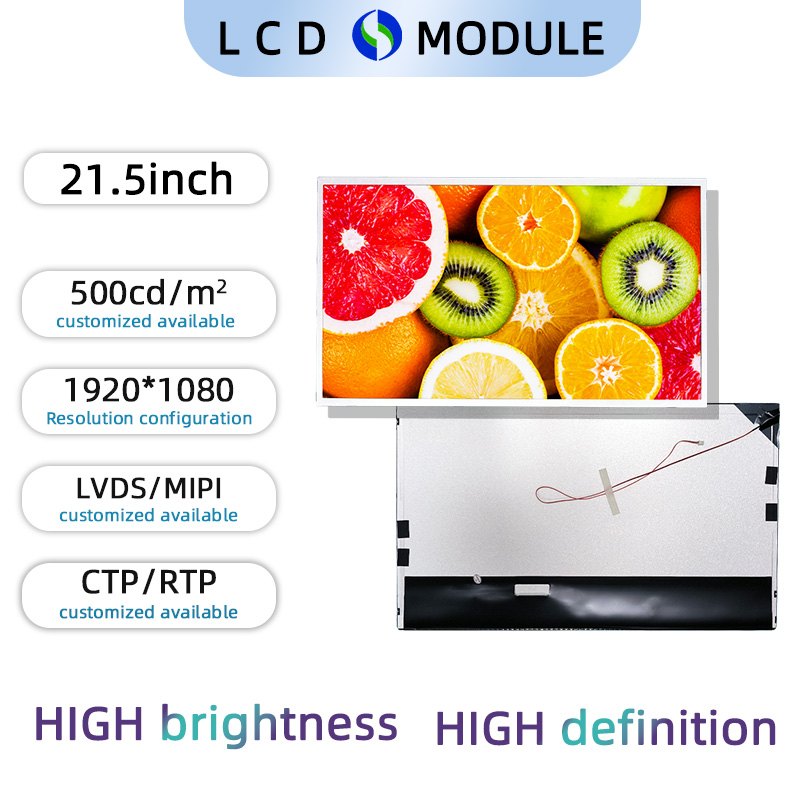
An LCD may pass initial inspection but develop visible irregularities inside its final enclosure. This often makes the mechanical design an important part of the investigation.
The display can be compromised by torque on a screw, overly compressed gasket or an uneven support surface.
The deformation that results could cause light bleeding or areas of Mura. If a patch is observed after fastening, compare the appearance of the module at various approved stages of assembly.
Do not press directly on the active display area.
The material of the LCD module and the housing may expand at a different rate as the equipment heats up.
Insufficient mechanical clearance can increase stress during operation. If an irregularity appears only after warm-up, record the operating temperature, the duration, and any changes in the defect‘s appearance.
Thermal effects will not be enough to differentiate the mechanical stress from a backlight failing that is temperature sensitive.
Displays with cover glass or touch components contain additional material interfaces.
Non-uniform bonding, adhesive stress, or structural distortion may affect optical appearance. This is particularly relevant when a defect becomes visible after a bonding process.
For integrated designs, the LCD display assembly category illustrates the types of module configurations that require attention to these interfaces.
A useful diagnosis depends on repeatable observations. Changing the housing, brightness settings, and operating conditions simultaneously makes it difficult to isolate the cause.
Use fixed ambient lighting, viewing distance, test images, and backlight settings.
Follow this sequence:
Inspect the display with white, gray, and black images.
Photograph the position and shape of each irregularity.
Compare several backlight settings.
Record changes between startup and warmed-up operation.
Compare approved standalone and assembled test conditions.
If the defect appears only after mounting, investigate the housing before replacing the module.
A failure report should separate observations from assumptions.
| Evidence | Diagnostic value |
|---|---|
| Test-pattern photos | Records the defect’s appearance |
| Before/after mounting results | Identifies assembly-related changes |
| Temperature and backlight settings | Supports repeatable testing |
| Module and batch identification | Helps investigate recurring defects |
For example, “dark patch near the upper mounting point after tightening” is more useful than immediately labeling the issue a defective LCD cell.
If the problem persists outside the enclosure, further investigation may involve the panel, backlight, or bonding structure.
Prevention requires consistent acceptance criteria and validation under actual installation conditions. Nominal screen brightness alone does not describe its uniformity.
To help with brightness variation-sensitive applications, agree on test patterns, locations, viewing conditions, and tolerances in the planning stage before production.
If quantitative results are needed, employ an appropriate luminance measuring instrument and a documented inspection procedure.
A single visual Mura tolerance level cannot be applied across all applications and screens.
Test the prototype with the required fastening and environment in the enclosure.
Check the module before and after the installation. Search for a change in pattern, mechanical clearances, support surfaces and interactions.
Preserve inspection photographs and approved reference samples for production comparisons. The industrial TFT LCD product range provides context for different module configurations, but acceptance limits must be established for the specific project.
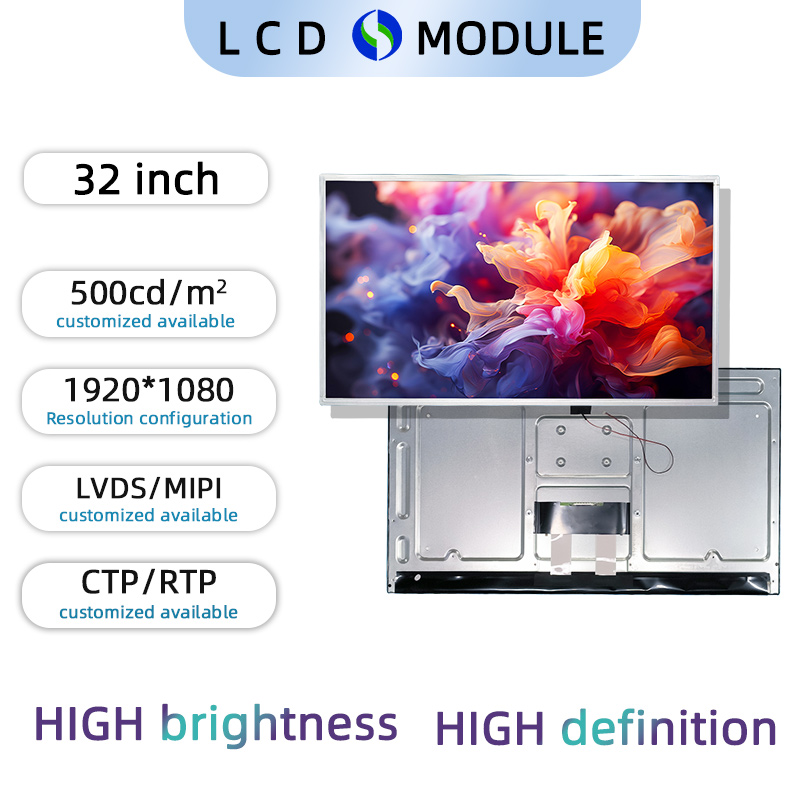
Brightness problems can require coordination between display suppliers and equipment engineering teams, particularly when the symptoms appear after integration. Dongguan SR Optoelectronics Technology Co., LTD. provides customized LCD display and assembly solutions for equipment applications. Its technical service information covers several display fault symptoms and troubleshooting considerations. With respect to uneven brightness, if test-pattern photos, module identification, operating conditions, and evidence of results before and after installation can be provided, the technical assessment process will be smoother. When the evidence shows that it is caused by optical, electrical, and mechanical reasons, the correction method can be determined. The diagnosis should be confirmed before replacement of the module or the adjustment of the assembly.
Uneven brightness of an industrial TFT LCD can be due to backlight, LCD Mura, optical bonding, or mechanical pressure. Even if the same pattern is observed, different solutions will need to be applied, hence the importance of regular testing. Start with test images, match backlight and temperature settings, and check if the look changes when mounting. Document these findings before making a supplier failure report. Confirming the display module as well as the final installation will improve module yield.
No. Mura describes visible brightness or color irregularities. Uneven backlighting is one possible cause, but variations inside the LCD cell, optical layers, or mechanical structure can produce similar symptoms.
Yes. Uneven mechanical force can also deform the structure of the display panel and alter light transmission. If there is a spot appeared after installing, please check the installation conditions before we consider that there is a problem with the panel.
Gray-Scale Test Images provides a gray-to-gray field that removes distracting picture details, allowing variations in luminance value to be more easily discerned. So, gray-field testing is a good way to reveal cloudy Mura patterns which might be relatively invisible in standard operation of the equipment.
Repair depends on its origin. Assembly-related pressure may be reduced by modification of the mounting design. If LCD cell damage is suspected the assembly should be replaced. Back light or bonding faults require individual diagnosis.
Include images following fixed test patterns, module ID, operating conditions, temperature data and mounting information. Comparison of unmoulded and assembled conditions can be especially helpful in ascertaining mechanical causes.