Nullam dignissim, ante scelerisque the is euismod fermentum odio sem semper the is erat, a feugiat leo urna eget eros. Duis Aenean a imperdiet risus.
Nullam dignissim, ante scelerisque the is euismod fermentum odio sem semper the is erat, a feugiat leo urna eget eros. Duis Aenean a imperdiet risus.
 author
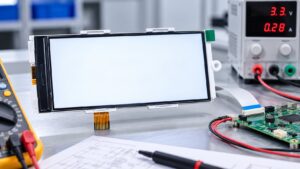
A white industrial TFT LCD usually means the backlight is on but the display is not producing a valid image. Possible causes include missing power rails, incomplete reset or initialization, an FPC or connector problem, missing RGB/LVDS/MIPI data, or a fault inside the driver or panel. “White screen” is not the same as “dead display.” Replacing the LCD first may hide the real cause. A better diagnosis confirms what is already working, then checks power, connection, signal, startup sequence, and finally the module itself.
A bright white field confirms little by itself. In a transmissive TFT LCD, the backlight and image electronics are separate, so illumination does not prove that pixel data is reaching the panel.
Record whether the panel is white immediately after power-on, becomes white after briefly showing an image, or stays white only on one host. If it occasionally starts correctly, focus on conditions that change between boots.
If no logo, color block, or known image appears while the backlight remains stable, check panel power, reset, initialization, and the data path. Technical guidance notes that a panel can remain white when valid image data is not latched or the driver has not completed initialization.
Yes. A backlight may operate while the LCD logic or internal driving circuitry still lacks the conditions required to produce an image.
Measure the required rails at the module or connector, not only at the source. Compare them with the approved display specification and observe whether they stay stable during startup.
Reset and enable signals matter as well. A reset released too early or incomplete initialization can leave the controller inactive. TI documentation for the SN65DSI84 MIPI DSI-to-LVDS bridge, for example, specifies reset and initialization sequencing before normal operation.
A panel that works after software reboot but fails after cold start points more strongly toward startup timing or sequencing than permanent panel damage.
Yes. A connection fault does not always create lines or flicker. If a critical power, reset, clock, or data path is interrupted, the result can be a completely white display.
With power removed, photograph the connector before changing anything. Check FPC orientation, insertion depth, locking, visible contact damage, contamination, and cable strain.
A module that works on a bench may fail after enclosure assembly if the FPC is pulled or partly displaced. White-screen troubleshooting guidance also treats connector contact and FPC continuity as checks before panel replacement.
For equipment using a separate TFT LCD module, treat the FPC, connector, pin assignment, and host connection as one electrical path.
If reseating restores the image, check why the connection changed. Insufficient retention or assembly strain can allow the problem to return.
Once power and physical connections are confirmed, the interface becomes the next diagnostic boundary. The correct test depends on how image information reaches the panel.
Parallel RGB depends on pixel data plus timing signals such as pixel clock, DE, HSYNC, and VSYNC, depending on the module design. If required timing or pixel activity is absent, the panel may remain white despite stable power and backlight.
Load a simple solid-color pattern and verify signal activity at the connector.
An LVDS system may include the host, cable, receiver, or an intermediate display solution board. Confirm that valid video reaches the panel rather than checking only whether the board powers up.
A known-good display on the same source is a useful separator. If it also stays white, the host-side signal path remains the stronger lead.
MIPI DSI adds startup commands, lane configuration, and mode transitions. A panel may have power and backlight yet remain white if reset, initialization commands, or video startup is wrong. NXP and ST support cases show panels with power and interface activity but no valid image until configuration or initialization conditions were corrected.
Internal module faults should move higher on the list only after power, startup, connection, and host signals have been checked. Otherwise, a good panel may be replaced while the original fault remains in the equipment.
| Cross-test result | More likely area | Next step |
|---|---|---|
| Known-good display also stays white | Host, power, interface, or software | Continue system-side checks |
| Suspect display stays white on known-good hardware | Display module | Retain for failure analysis |
| Suspect display works outside the equipment | Installation or host condition | Recheck assembly and system |
| Failure appears only on cold start | Power, reset, or initialization | Capture startup behavior |
Cross-testing shows whether the failure follows the display or remains with the host.
If the suspect LCD stays white on approved known-good hardware, preserve it before disassembly. Record module identification, power measurements, connector condition, and test results. Possible internal faults can involve timing-control circuitry, driver electronics, bonded connections, or the panel itself. General display-fault guidance also identifies TCON, driver IC, panel, and ribbon-cable faults as possible hardware causes.
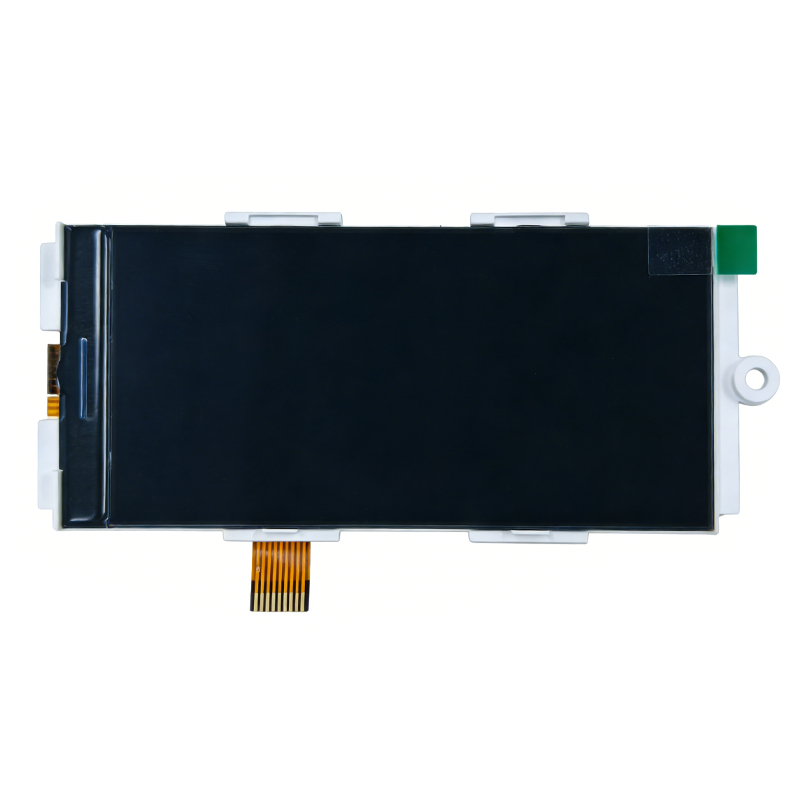
Dongguan SR Optoelectronics Technology Co., LTD. develops and manufactures small- and medium-size LCD modules, including TFT displays, monochrome modules, display assemblies, and solution-board configurations. Its public service information includes engineering support and display-fault topics. For a white-screen investigation, a technical review can begin with the module part number, host interface, power and reset conditions, initialization method, connector arrangement, and test results already collected. This gives both sides a clearer basis for separating system-side faults from module-level issues before replacement or failure analysis.
A white TFT LCD should be treated as a system symptom, not an automatic panel failure. Confirm that the backlight is on but no valid image is present, then check display-side power, reset behavior, FPC connections, and interface activity. RGB, LVDS, and MIPI systems require different signal checks, while known-good cross-testing shows whether the fault follows the display or stays with the host. If the module remains white on verified hardware, preserve the evidence and move to supplier-level failure analysis.
Usually, a bright uniform screen indicates that the backlight is producing light, but it does not confirm that LCD logic, timing, initialization, or image data is working. Check backlight operation and image generation separately.
Yes. Some TFT systems require power, reset, initialization, and video activity in a defined order. If that sequence is wrong or marginal, the panel may remain white even though the backlight turns on.
That pattern can indicate a startup-timing problem. A reboot may repeat reset and initialization while power rails are already stable, whereas a cold start brings the complete system up from zero.
Yes. If the affected conductor carries power, reset, clock, enable, or essential image data, the panel may show no usable image. Inspect the connector and cable before assuming the panel has failed.
Supplier-level analysis is appropriate when the suspect display remains white on approved known-good hardware after power, reset, connection, initialization, and interface conditions have been verified. Keep the failed unit and test evidence.