Nullam dignissim, ante scelerisque the is euismod fermentum odio sem semper the is erat, a feugiat leo urna eget eros. Duis Aenean a imperdiet risus.
Nullam dignissim, ante scelerisque the is euismod fermentum odio sem semper the is erat, a feugiat leo urna eget eros. Duis Aenean a imperdiet risus.
 author

Vertical lines appearing on an industrial TFT LCD after installation may result from connection problems, incorrect display signals, mechanical stress, or internal panel defects. A screen that works during incoming inspection but develops a colored stripe after assembly presents a particular challenge: replacing the module may remove the symptom without identifying its cause. The same problem could then appear in another unit. For equipment manufacturers, the investigation needs to establish whether the fault follows the display or remains with the host equipment. Recording the abnormality, examining its behavior, and testing one component at a time can help narrow the possible causes before replacement or further failure analysis.
A vertical line is a symptom rather than a confirmed diagnosis. Its position, color, width, and behavior during operation provide clues about the possible failure mechanism, but appearance alone cannot establish which component is responsible.
A narrow line that remains at the same physical position may involve a local column-driving problem or an internal connection. Multiple repeating stripes can also result from corrupted image data or abnormal signal transmission.
Intermittent lines deserve separate attention. If the defect appears only during startup, vibration, or certain equipment operations, electrical connections and operating conditions should be investigated before assuming permanent panel damage.
Displaying solid black, white, red, green, and blue test patterns provides an initial comparison. A line remaining at the same physical location across different patterns suggests a different failure mechanism from an artifact that changes with the displayed image.
Photograph the abnormal screen before disconnecting or replacing anything. Record the module identification, line position, color, operating conditions, and whether the abnormality appears immediately after power-on or develops during operation.
If several units show similar defects, compare their production and installation records. Identical symptoms may suggest a common problem, although individual module defects cannot be ruled out without additional evidence.
The connection between the display and its host board is a practical starting point when lines appear after equipment assembly. Cable routing and connector engagement may change during installation, particularly where space behind the display is limited.
An FPC that is not fully inserted, damaged contacts, or excessive cable bending may interrupt signal transmission.
Switch off the equipment and follow the approved power-down procedure before inspecting the connection. Check connector engagement, cable orientation, contact condition, and visible damage.
Compare the cable route with the mechanical drawing. A connection that works on an open test bench may experience additional strain after the enclosure is assembled.
Avoid pressing on the glass or permanently bonded driver connections to make a line disappear. Such manipulation may cause further damage and complicate subsequent failure analysis.
For equipment using a separate controller and TFT LCD module , the connector specification and actual installation arrangement need to be examined together.
If an incorrectly seated connector is discovered, document its original condition before correcting it.
Restart the equipment and repeat the same test patterns. A disappearing line suggests that the connection deserves further investigation, but it does not prove that poor contact was the only cause.
If the abnormality returns during normal operation, connector retention, cable damage, and mechanical strain may require closer examination.
A vertical line may originate from the image information reaching the LCD rather than damage within the panel. The distinction becomes clearer when the abnormality is examined in relation to displayed content and its behavior on known-good equipment.
A single line fixed at one physical column and a series of regularly spaced colored stripes should not automatically be treated as the same failure.
Repeated stripes that change with the displayed image may indicate a problem involving pixel-data mapping, image processing, or transmission. A line remaining at one physical position may instead point toward a local driving or connection fault.
Display a known test pattern and observe whether the abnormality moves when the image content changes. Record whether it changes color, disappears on particular patterns, or remains stationary.
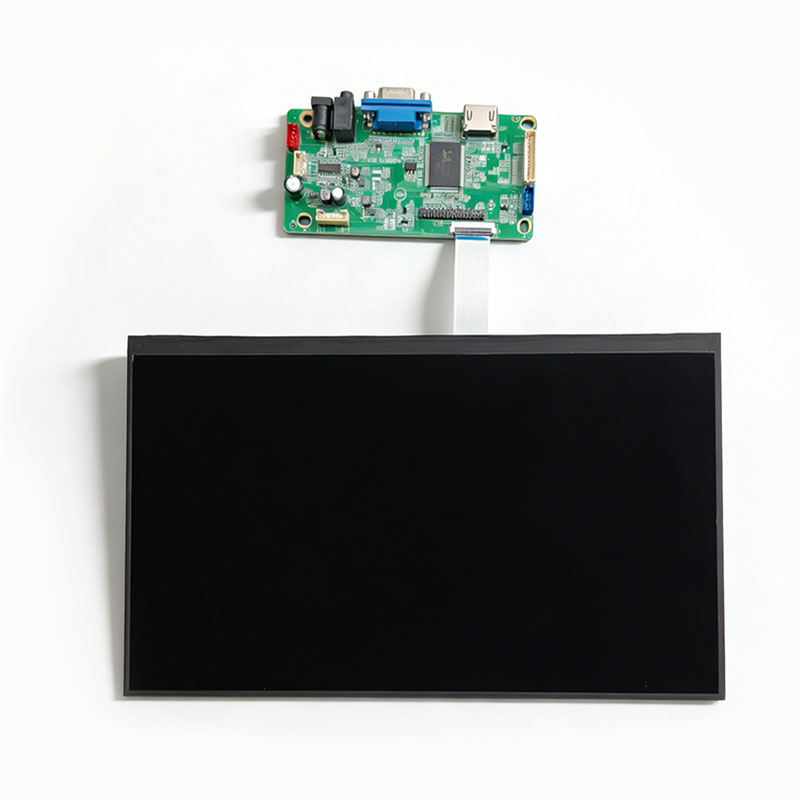
Where an intermediate controller is used, the display solution board and its connection to the panel should be included in the investigation.
Suppose a suspect module shows vertical stripes with the production controller but operates normally with compatible evaluation hardware. That difference directs attention toward the electrical connections, signal conditions, or software settings.
If the same line remains when the suspect module is connected to approved known-good equipment, the evidence points more strongly toward the display itself.
Changing one variable at a time matters. Replacing the cable, controller, and display simultaneously may restore normal operation without revealing which component caused the problem.
Once accessible connections and external signals have been examined, attention can move toward the mounting arrangement and internal display connections. These possibilities require different corrective actions.
Excessive fastening force, uneven support, insufficient clearance, or pressure from the front bezel may introduce stress into the display assembly.
Compare the approved mechanical drawing with the actual installation. Inspect mounting surfaces, screw engagement, frame clearance, and possible interference between the enclosure and the module.
Where the approved procedure permits, compare the display in its installed position with the same module properly supported outside the enclosure.
A change in the abnormality suggests that mechanical conditions deserve investigation, but does not identify the damaged component.
For an integrated LCD display assembly , the inspection should include the panel, frame, cables, and surrounding structure.
A permanent line remaining at the same physical column may involve a source-driver fault, damaged conductive path, or internal connection problem.
These mechanisms cannot be reliably distinguished through visual inspection alone.
If a known-good display operates normally on the original host while the suspect module continues showing the defect on known-good equipment, module-level investigation becomes appropriate.
Suspected internal driver or glass-bonding defects should be referred for supplier-level failure analysis rather than attempting unapproved repairs.
Replacing a screen immediately may restore equipment operation without establishing the original failure mechanism. Controlled cross-testing helps determine whether the fault follows the display or remains with the equipment.
| Test result | Possible implication | Next action |
| Fixed line remains across test patterns | Local driving or panel connection fault | Investigate the module |
| Defect disappears after correcting FPC insertion | Possible connection problem | Check cable and connector |
| Known-good display shows the same defect | Possible host-side fault | Examine signal and power |
| Suspect display fails on known-good equipment | Possible module defect | Retain for failure analysis |
| Defect changes after installation | Possible mechanical influence | Inspect mounting and clearance |
The results narrow the failure boundary but do not establish a specific internal failure mechanism.
When local testing cannot establish the cause, the supplier needs more than a photograph of the abnormal screen.
Record the module identification, defect appearance, operating conditions, installation details, and cross-testing results. Relevant electrical measurements and connector inspections may also help narrow the possible failure mechanism.
For repeated production defects, retain affected units and their identification records until the investigation procedure has been agreed upon.
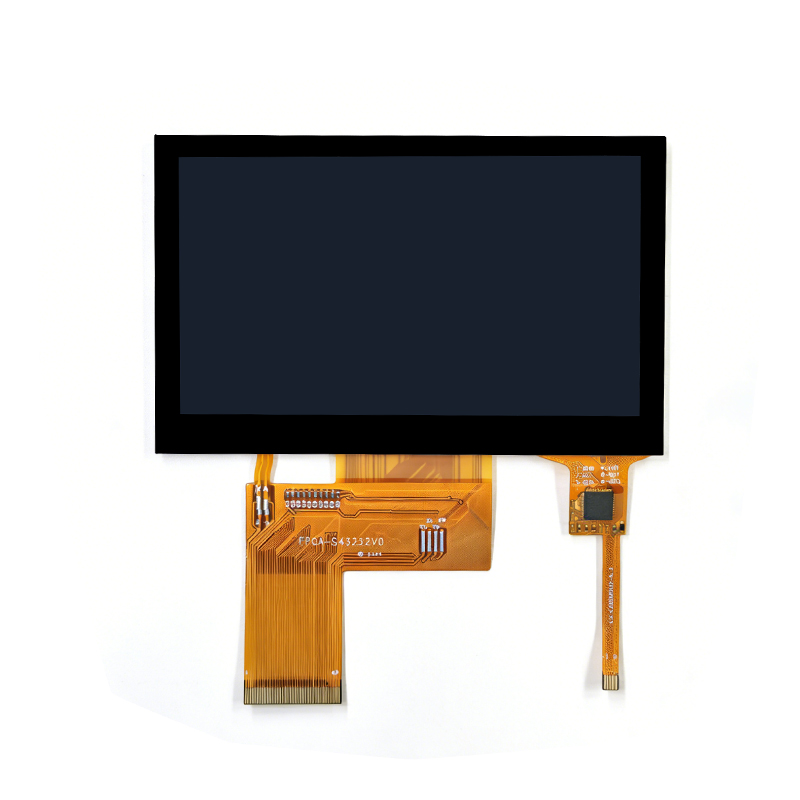
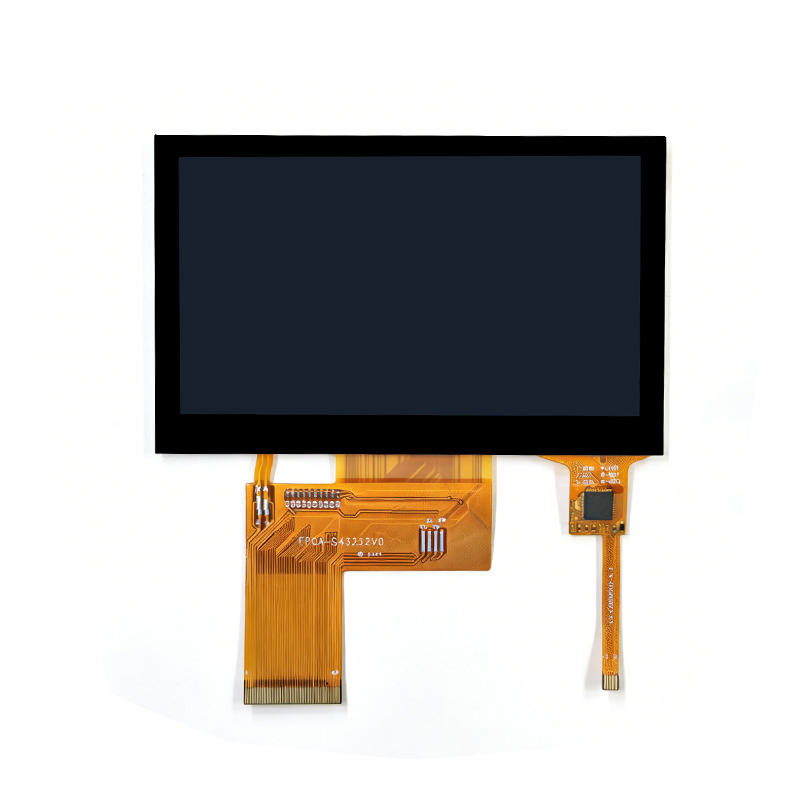
Dongguan SR Optoelectronics Technology Co., LTD. develops and manufactures small- and medium-size LCD modules for equipment applications, including TFT displays, monochrome modules, and integrated display assemblies. Its product range includes a 4.3-inch display assembly for industrial instruments and meters and larger industrial control display configurations. When an image abnormality appears during equipment integration, technical discussions can begin with the module specification, host-interface information, installation drawing, and recorded fault conditions. Connection, signal, mechanical, and module-related possibilities can then be reviewed against the available evidence. The required testing and scope of failure analysis should be confirmed for each project rather than assuming a cause from the visible defect alone.
Vertical lines on an industrial TFT LCD can originate from external connections, image signals, mechanical conditions, or internal panel defects. Recording the abnormality before changing components preserves useful diagnostic evidence, while controlled testing helps establish whether the fault follows the display or remains with the equipment. A permanent line that persists on known-good hardware warrants further module-level investigation. Before approving replacement or corrective action, the engineering team should document the test results and determine which failure mechanism is supported by the available evidence.
Installation may change cable routing, connector contact, mounting pressure, or electrical conditions. However, a previously intermittent defect may also become visible during subsequent operation. Comparing the module before and after installation helps identify which conditions require further investigation.
Yes. A poorly seated or damaged connection can interrupt display signals and produce visible artifacts. However, a fixed vertical line may also involve internal driver or panel damage, so the connection should be inspected before assuming the cable is responsible.
Test the suspect display on compatible known-good equipment and connect a known-good module to the original host. If the abnormality follows one display, investigate that module. If several displays show the same defect, examine the host system and connections.
Mechanical stress may contribute to display abnormalities or damage sensitive internal connections. Inspect the mounting structure for uneven support, excessive fastening force, and insufficient clearance. Avoid applying direct pressure to the glass or driver-bonding area during troubleshooting.
Provide the display model, production identification, photographs, operating conditions, installation details, and results of connector inspection or known-good substitution. Relevant electrical measurements and information about when the defect first appeared can also support further failure analysis.