Nullam dignissim, ante scelerisque the is euismod fermentum odio sem semper the is erat, a feugiat leo urna eget eros. Duis Aenean a imperdiet risus.
Nullam dignissim, ante scelerisque the is euismod fermentum odio sem semper the is erat, a feugiat leo urna eget eros. Duis Aenean a imperdiet risus.
 author

Choosing an LCD interface should start with the host system and final equipment design, not with a preferred connector name. RGB, LVDS, and MIPI can all work well when the processor, panel timing, cable path, power requirements, and enclosure are compatible. Problems appear when a panel is selected first and the rest of the machine is forced to adapt around it. For purchasing managers and engineers, the practical task is to confirm what the controller can output, how the panel will be connected, which electrical details must match, and whether the interface remains workable in production. This guide focuses on those checks rather than treating one interface as universally better.
Interface selection only makes sense when the host and panel are reviewed together. Two displays can have similar size and resolution while using different signals, connectors, pin definitions, voltages, or driver arrangements.
Ask which display outputs the processor or controller already provides, whether they are native or created through a converter, and whether the software supports the intended panel timing. A panel that looks suitable in a catalog may create more board work if the host cannot drive it directly.
Mechanical routing matters at the same time. Connector position, FPC direction, cable length, installation depth, and service access can turn an electrically compatible panel into a difficult production choice. The TFT LCD category shows different sizes and resolutions paired with different interfaces, so the interface should be treated as one part of the complete module specification.
Before sampling, align the interface type, pinout, signal voltage, timing, power rails, backlight requirements, connector, and startup conditions. Any unresolved item should be recorded rather than assumed.
RGB is worth considering when the host system already provides the required RGB output and the panel can be integrated without unnecessary conversion hardware. The purchasing question is whether it fits the existing electronics cleanly.
A lower-cost RGB panel may stop being economical if the board needs redesign, the connector must move, or the cable route becomes difficult. Buyers should ask whether the current controller supports the required RGB format directly and whether the enclosure leaves enough room for the intended connection.
A useful review keeps the full product specification in view: display size, resolution, brightness, viewing angle, temperature range, connector arrangement, and mechanical fit. Interface compatibility does not compensate for a mismatch elsewhere in the module.
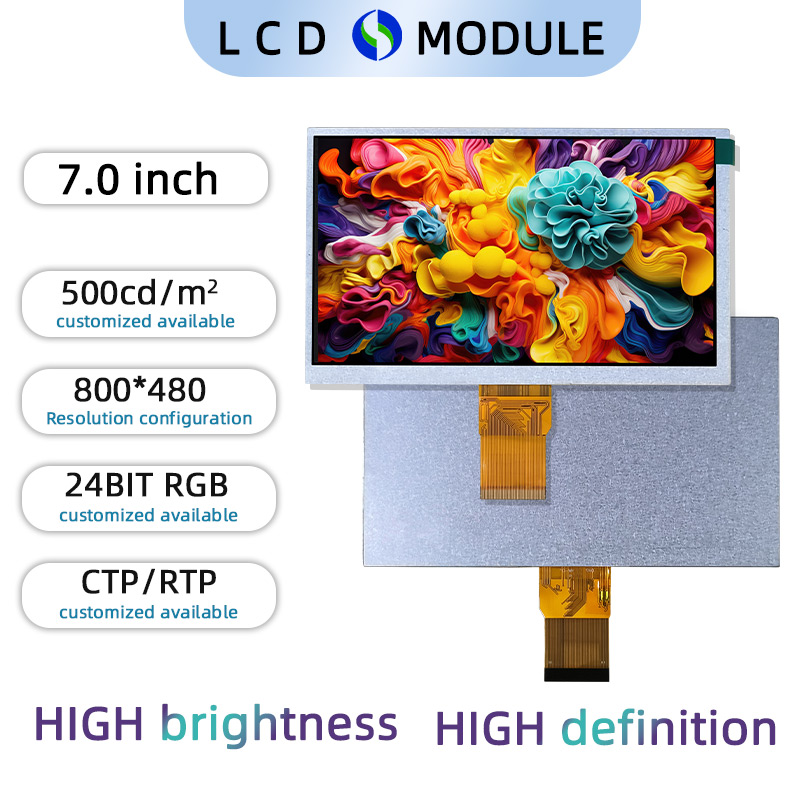
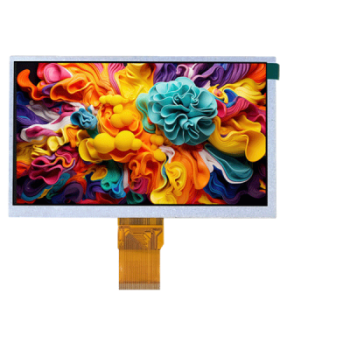
The published product specification lists a 7.0-inch size, 800 × 480 resolution, 24-bit RGB interface, and 500-nit brightness.
LVDS becomes relevant when the host board and target panel are already designed around that interface. Current product pages also show LVDS used on larger-format TFT modules, but buyers should still confirm board output, connector, timing, cable route, and power requirements rather than choosing it by screen size alone.
If a converter board is needed only to reach LVDS, include that board in the production cost and validation plan. It adds connectors, mounting, power, sourcing, and inspection work. The solution board category is relevant when the equipment needs signal conversion or a more complete display-control path, but procurement should compare that architecture with a direct panel connection before approval.
A temporary development board can prove feasibility, yet it should not automatically become the production design.
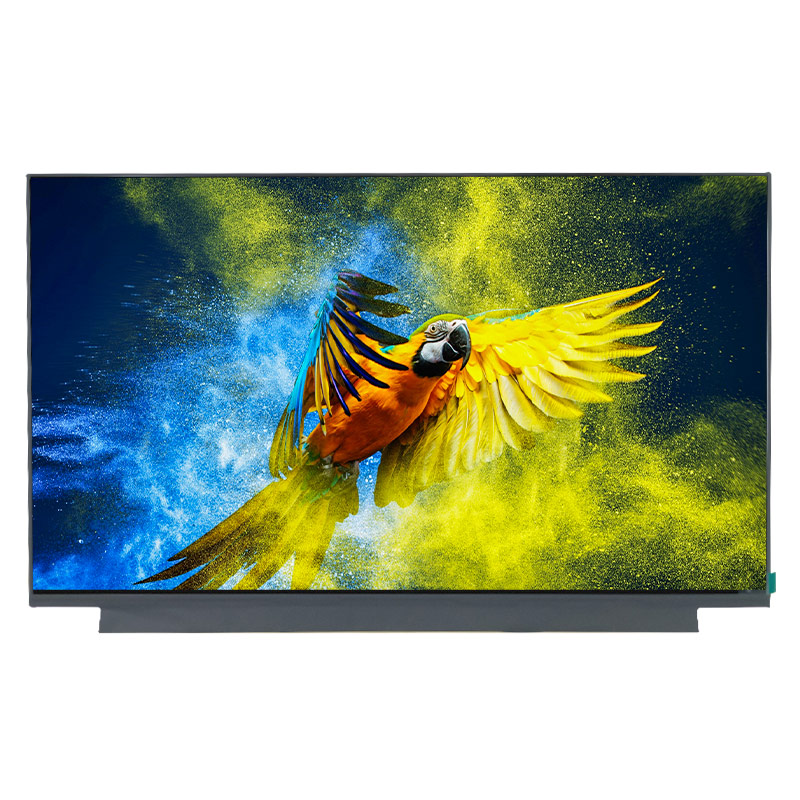
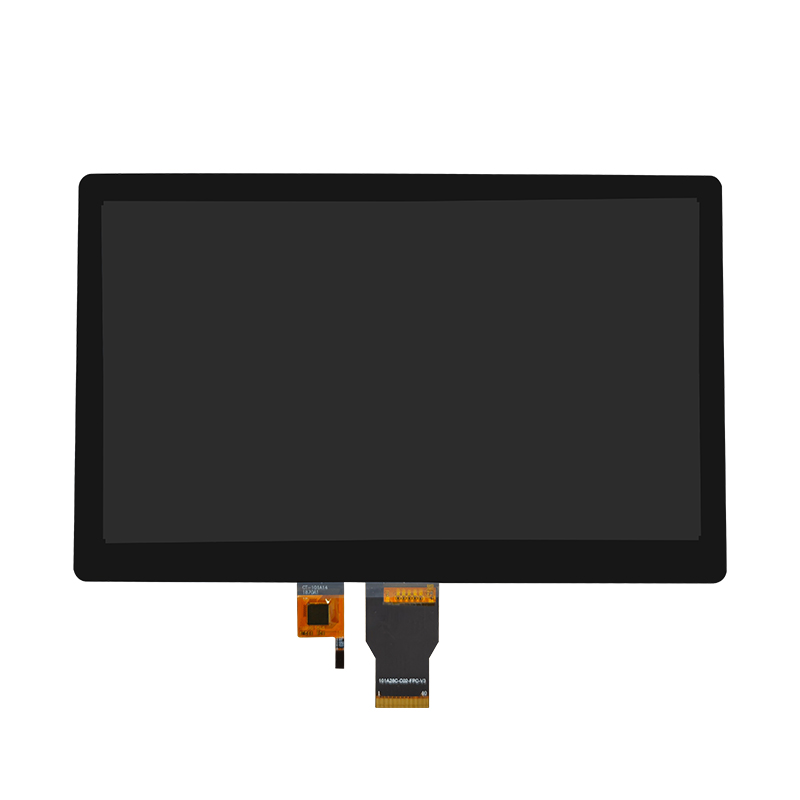
The published product specification lists a 15.6-inch size, 1920 × 1080 resolution, LVDS interface, and 500-nit brightness.
MIPI should be evaluated when the host platform already provides a compatible display output and the selected panel matches the processor, timing, connector, and software environment. The key question is whether MIPI is native to the system or whether extra bridge hardware would be needed.
Compact equipment often leaves little room for late changes. A panel may fit the viewing window while its FPC exit or connector position conflicts with the internal structure. Engineering should therefore confirm timing, voltage requirements, pin definition, cable routing, and startup behavior before the mechanical design is released.
Where touch, cover glass, cables, boards, or frames are included, the interface decision should be reviewed together with the display assembly scope. A panel change can affect board position or cable routing even when the visible display size stays the same.
The objective is a controlled assembly in which the host board, cable, panel, and mechanical drawing all refer to the same approved revision.
The final decision should survive both the sample stage and repeat production. Procurement should therefore use the same approval criteria across RGB, LVDS, and MIPI instead of comparing one option by price and another by engineering convenience.
| Check | What to Confirm | Purchasing Risk if Missed |
|---|---|---|
| Host output | Native controller support | Unplanned conversion hardware |
| Panel timing | Timing and initialization | Startup or image instability |
| Connector | Model, pinout, orientation | PCB or cable mismatch |
| Power | Logic and backlight needs | Electrical redesign |
| Mechanical path | FPC direction and clearance | Enclosure changes |
| Production revision | Final board, cable, panel | Inconsistent repeat orders |
A working sample is not enough if it relies on temporary cables, development boards, or manual settings. Before production release, confirm the final panel model, board revision, connector, cable, power requirements, software conditions, and mechanical drawing. This is the point where the interface becomes a production specification rather than a development experiment.
Dongguan SR Optoelectronics Technology Co., LTD. develops small- and medium-size LCD modules for equipment applications, including TFT displays, monochrome modules, display assemblies, and solution boards. Public product pages include a 7-inch 800 × 480 TFT LCD with 24-bit RGB, a 10.1-inch 1024×600 LCD with MIPI, and a 15.6-inch 1920 × 1080 LCD with LVDS. A project review can begin with the host output, mechanical drawing, interface definition, cable routing, optical requirements, and production plan so the display is evaluated against the actual equipment architecture rather than selected from interface type alone. For interface-related projects, the useful discussion is therefore about system compatibility, required conversion, mechanical constraints, and the final production configuration, not simply which protocol appears on the panel datasheet.
RGB, LVDS, and MIPI can all be practical when they match the host platform and final equipment design. Buyers should compare controller support, timing, connector and pinout, power, cable routing, mechanical constraints, and production architecture before approving a panel. The main risk is not choosing the “wrong” interface name; it is freezing a display before the electrical and mechanical path has been verified. A controlled interface checklist gives procurement and engineering a clearer basis for sample approval and repeat production.
The host output and panel requirements should be reviewed together. Selecting the interface first can unnecessarily limit panel options, while choosing a panel first may create conversion work if the controller cannot drive it directly.
Not necessarily. It can be part of the final design, but its power, mounting, connectors, sourcing, configuration, and validation should be included in the production architecture rather than treated as a temporary accessory.
Yes. Resolution does not define the electrical connection. Buyers still need to compare interface type, timing, connector, pin assignment, voltage requirements, cable arrangement, and host-controller support before deciding whether the two panels are genuinely interchangeable.
Provide the host processor or controller, available display output, target size and resolution, mechanical drawing, connector constraints, cable requirements, power information, and available timing or initialization documentation. This allows compatibility to be reviewed against the actual system rather than the display alone.
Freeze it after the host output, panel timing, connector and pinout, power requirements, cable route, mechanical fit, and sample behavior have been verified. Temporary development hardware should not be mistaken for the final production configuration.